Can I Cancel a Planet Fitness Membership Online? Easy Steps!
Are you thinking about canceling your Planet Fitness membership but unsure if you can do it online? You’re not alone.
Many people wonder if skipping the gym means dealing with complicated cancellation processes. What if you could handle everything from your phone or computer, without the hassle of calls or visits? You’ll discover exactly how to cancel your Planet Fitness membership smoothly and quickly—so you can take control without stress.
Keep reading to learn the simple steps you need to follow right now.
Planet Fitness Membership Policies
Planet Fitness has clear rules about memberships. These rules help members understand their contracts and options. Knowing these policies is important before joining or cancelling. The policies cover cancellation, membership types, and fees.
Cancellation Rules
Planet Fitness does not allow online membership cancellation. Members must cancel in person or by mail. Some locations require a 30-day notice before ending the membership. Early cancellation fees may apply in certain cases.
Always check your local gym’s specific cancellation process. Keep a copy of any cancellation requests for your records. Monthly billing usually continues until cancellation is confirmed.
Membership Types
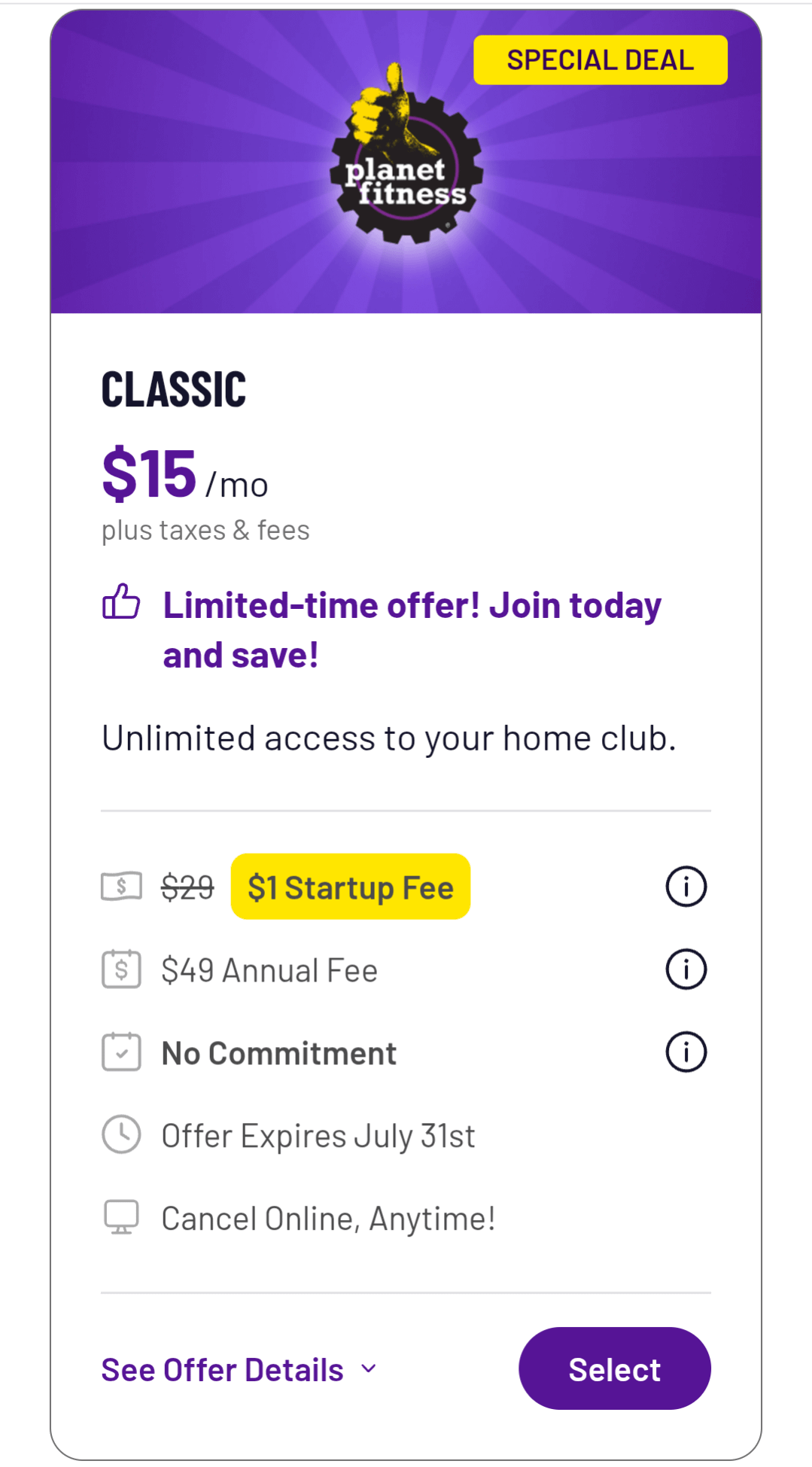
Planet Fitness offers different membership plans. The most common are Classic and Black Card memberships. Classic members access one gym location only. Black Card members get more benefits like guest privileges and tanning.
Each membership type has different rules for freezing or cancelling. Some plans might require a longer commitment or have extra fees. Review your membership agreement carefully to understand your plan’s details.

Credit: www.tiktok.com
Online Cancellation Options
Canceling a Planet Fitness membership online offers convenience and saves time. Many members prefer digital methods to avoid visiting the gym in person. Online cancellation options provide a straightforward way to end the membership. It is important to understand how to use these options correctly to ensure a smooth process.
Official Website Process
Planet Fitness allows members to start cancellation through their official website. The process requires logging into the member account. After login, navigate to the membership settings or support section. Look for cancellation options or contact forms available online. Fill out the required details carefully to request cancellation. Submit the form and wait for confirmation from Planet Fitness. Keep a copy of any confirmation emails for your records.
Mobile App Features
The Planet Fitness mobile app also supports membership management. Users can access account settings directly from their phones. The app may have a dedicated cancellation feature or messaging service. Members can send cancellation requests or ask for help using chat support. Notifications confirm when the cancellation request is received and processed. The app offers a quick way to handle membership issues anytime.
Alternative Cancellation Methods
If you find that canceling your Planet Fitness membership online isn’t an option, don’t worry. There are other practical ways to end your membership without hassle. These alternative cancellation methods offer flexibility and can fit your schedule or communication preferences.
In-person Cancellation
Visiting your local Planet Fitness gym is a straightforward way to cancel your membership. Simply ask for the cancellation form at the front desk, fill it out, and submit it directly. This method gives you immediate confirmation that your request has been received.
One advantage of canceling in person is that you can ask questions on the spot. If you’re unsure about any cancellation fees or the timeline, staff can clarify everything. Have you ever felt more confident handling important tasks face-to-face? This option ensures your membership ends smoothly without waiting for email replies.
Phone Support
If visiting the gym isn’t convenient, calling Planet Fitness customer service is another effective way to cancel. Make sure you have your membership details ready before you dial. The representative can guide you through the cancellation process and confirm when it’s complete.
Sometimes, a quick phone call can solve issues faster than emails or forms. You can explain your situation directly and get immediate answers. Have you tried phone support for cancellations before? It’s a simple, personal way to handle your membership without stepping out of your home.

Credit: www.tiktok.com
Common Challenges When Cancelling
Cancelling a Planet Fitness membership might seem straightforward, but many find it more complicated than expected. Several hurdles can catch you off guard, making the process frustrating. Understanding these common challenges helps you prepare and avoid unnecessary stress.
Membership Fees And Penalties
One of the biggest surprises when cancelling is unexpected fees. Some memberships include cancellation fees or penalties if you end the contract early. These charges can sometimes be as high as a few months’ worth of dues.
You might also face a final billing cycle charge, even if you stop using the gym immediately. It’s important to review your contract carefully to know what fees apply. Have you ever been hit with a charge you didn’t expect after cancelling a service?
To avoid surprises, contact Planet Fitness directly and ask about any potential fees before submitting your cancellation. Being proactive can save you money and frustration.
Timing And Notice Periods
Timing plays a crucial role in cancelling your membership smoothly. Planet Fitness often requires a specific notice period—usually 30 days—before the cancellation takes effect. This means you may have to pay for an extra month after you request cancellation.
If you submit your cancellation too late in the billing cycle, you might get charged for the next month. Missing deadlines can extend your membership longer than you want. Have you ever wondered why some cancellations take weeks to process?
Plan your cancellation carefully and keep records of your cancellation request date. This can help you avoid paying for months you no longer intend to use the gym.
Step-by-step Online Cancellation Guide
Cancelling your Planet Fitness membership online can feel tricky if you’re not sure where to start. This step-by-step guide breaks down the process into simple actions you can follow at your own pace. You’ll see it’s easier than you might expect, especially if you have your information ready and know exactly where to go on the website.
Preparing Your Account Information
Before you log in, gather all the details you’ll need. This includes your membership ID, the email address linked to your account, and any payment details. Having this info handy speeds up the process and helps avoid unnecessary back-and-forth.
Think about the last time you had to cancel something online. Did you have to hunt for your account info? Don’t let that slow you down here. Make a quick checklist so you’re fully prepared.
Navigating The Website
Once you’re ready, head to the official Planet Fitness website. Look for the “Membership” or “Account” section, often found in the top menu or under your profile icon. If you don’t see a direct cancellation link, check the FAQ or Help Center for specific instructions.
Sometimes websites hide cancellation options in less obvious places. Have you ever spent more time searching than actually cancelling? Stay patient and use the search bar if needed—it can save you time.
Submitting The Cancellation Request
After locating the cancellation page, you’ll usually need to fill out a form or confirm your decision through a few clicks. Provide any required details honestly and double-check before submitting. Some sites ask for a reason; this is your chance to give clear feedback.
Watch for confirmation messages or emails. These prove your cancellation went through. If you don’t get one, follow up to avoid unexpected charges. Did you know many people miss this step and get billed anyway? Don’t let that happen to you.

Credit: www.tiktok.com
After Cancellation Tips
After canceling your Planet Fitness membership, some important steps ensure the process is complete. Taking a few extra actions helps avoid surprises and confirms your membership ends smoothly.
Confirming Cancellation Status
Check your email for a cancellation confirmation from Planet Fitness. Keep this message for your records. If you don’t receive one, call the gym to verify the cancellation.
Visit your online account to see if the membership shows as canceled. This helps avoid any misunderstanding about your status.
Handling Final Payments
Review your bank or credit card statements after cancellation. Make sure no extra fees are charged after your last payment.
Contact Planet Fitness if you see unexpected charges. Ask for a refund if you paid for months beyond your cancellation date.
Frequently Asked Questions
Can I Cancel My Planet Fitness Membership Online?
No, Planet Fitness does not allow membership cancellation online. You must cancel in person or send a certified mail to your home club.
What Is The Planet Fitness Cancellation Process?
To cancel, visit your home club in person or mail a cancellation letter via certified mail. Online cancellations are not accepted.
Is There A Cancellation Fee For Planet Fitness?
Yes, some memberships may have early termination fees. Review your contract to understand any applicable fees before canceling.
How Long Does Planet Fitness Take To Process Cancellations?
Cancellation processing varies but typically takes 30 days. Keep proof of cancellation to avoid future billing issues.
Conclusion
Canceling a Planet Fitness membership online is possible but has specific steps. Visit their website or use the app to start the process. Make sure to follow all instructions carefully to avoid extra charges. Keep a copy of your cancellation confirmation for your records.
Contact customer service if you face any problems during cancellation. Staying informed helps you manage your membership smoothly. This way, you can stop your membership without stress or confusion.

Similar Posts